



#html-body [data-pb-style=INCQKXN]{display:none}
Transmutr SketchUp Importer
A SketchUp importer on steroids.
Convert various 3D formats to SketchUp files, with powerful features such as automated render-ready materials and proxies, geometry simplification, as well as essential options like scaling, unit conversion, axes/origin transformations and much more.
Try Transmutr free for 7 days with the Transmutr Demo

Automated render-ready materials
Convert render-ready materials automatcially, or tweak them with just a few clicks.

Automated proxies
Transmutr can generate proxies for V-Ray, Thea and Enscape with a single click.
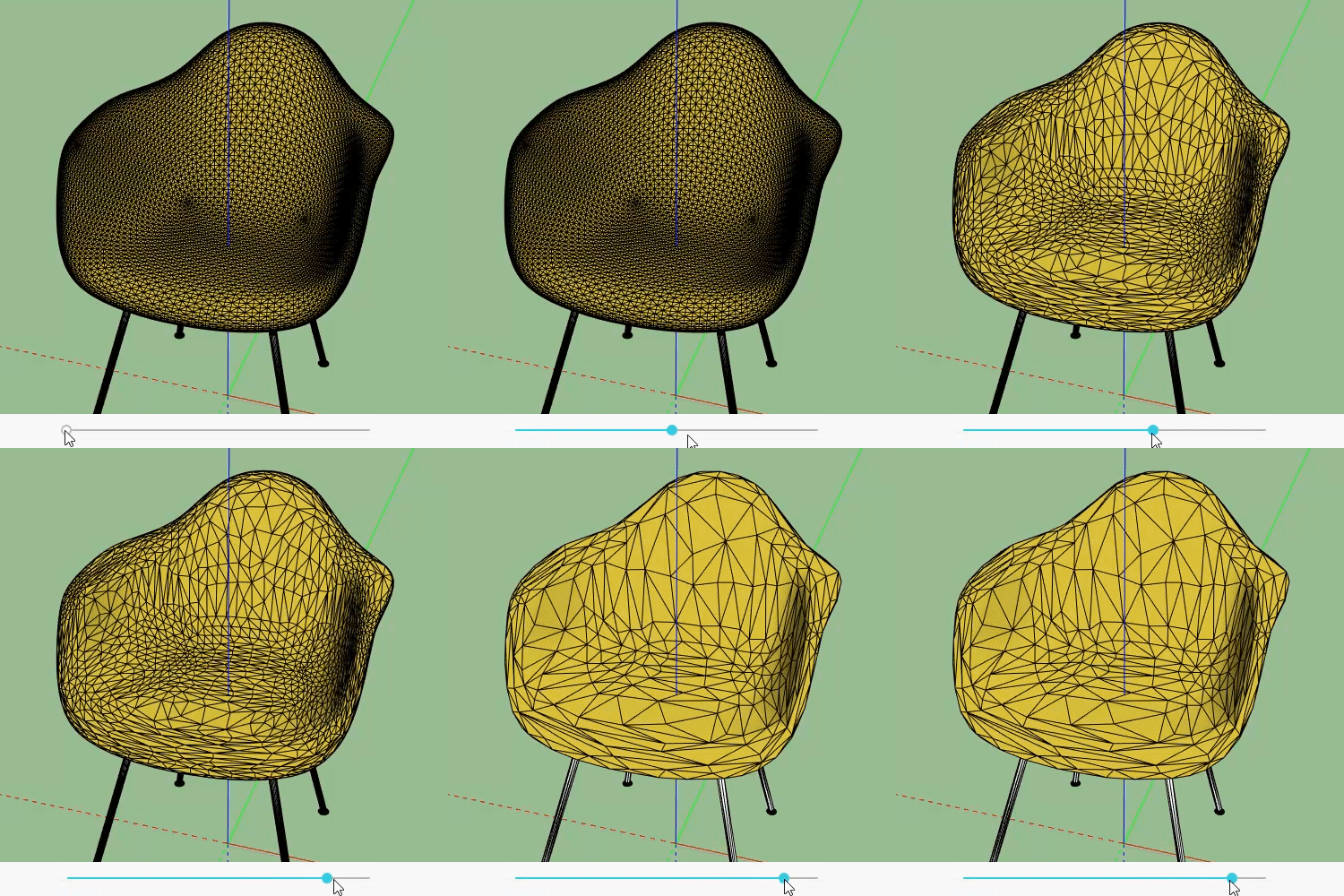
Geometry simplification
Simplify high-poly objects with millions of faces down to a few thousands or hundreds.
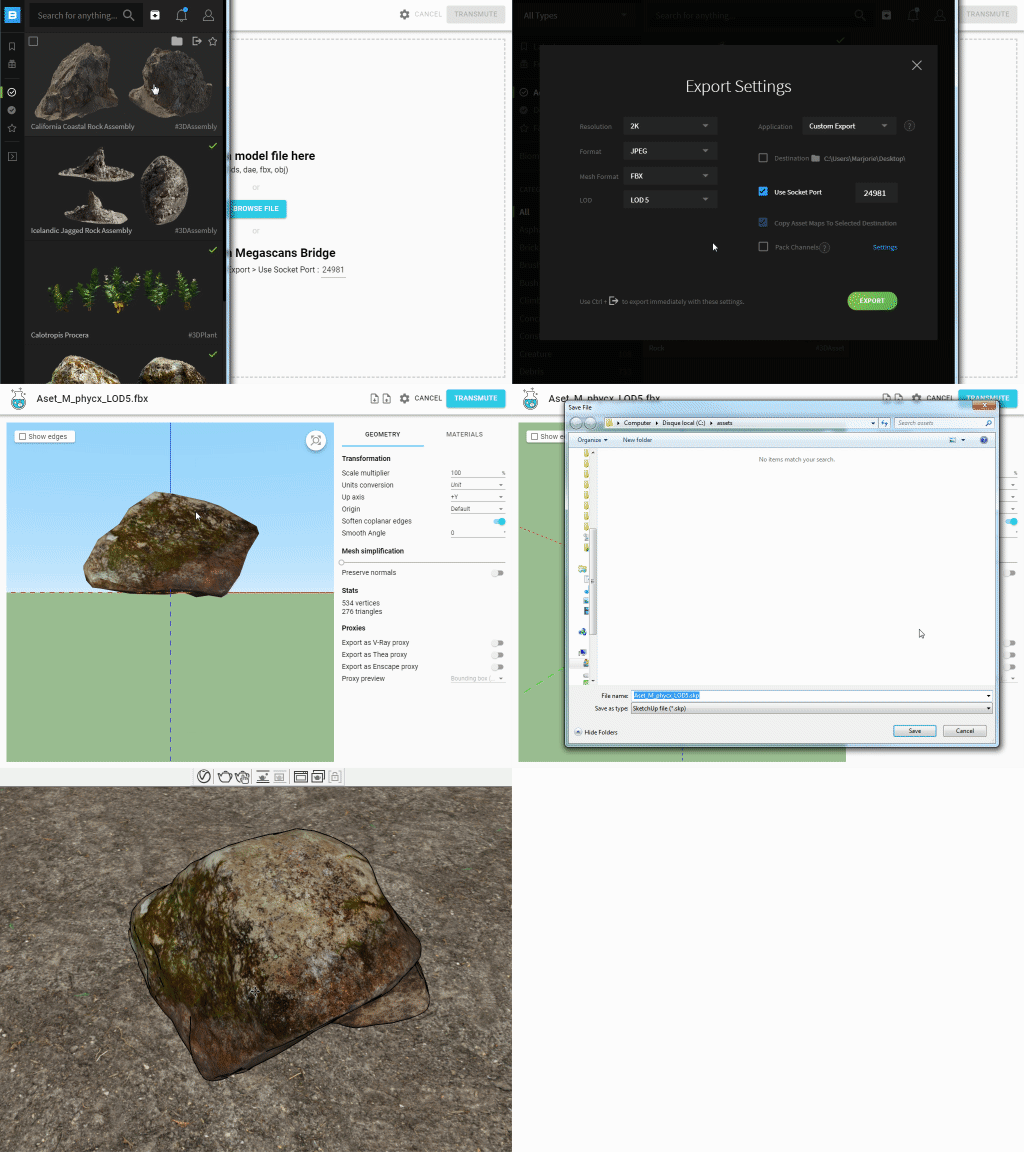
Quixel Megascans Bridge
Send Megascans assets from Quixel Bridge to SketchUp with only a couple of clicks.
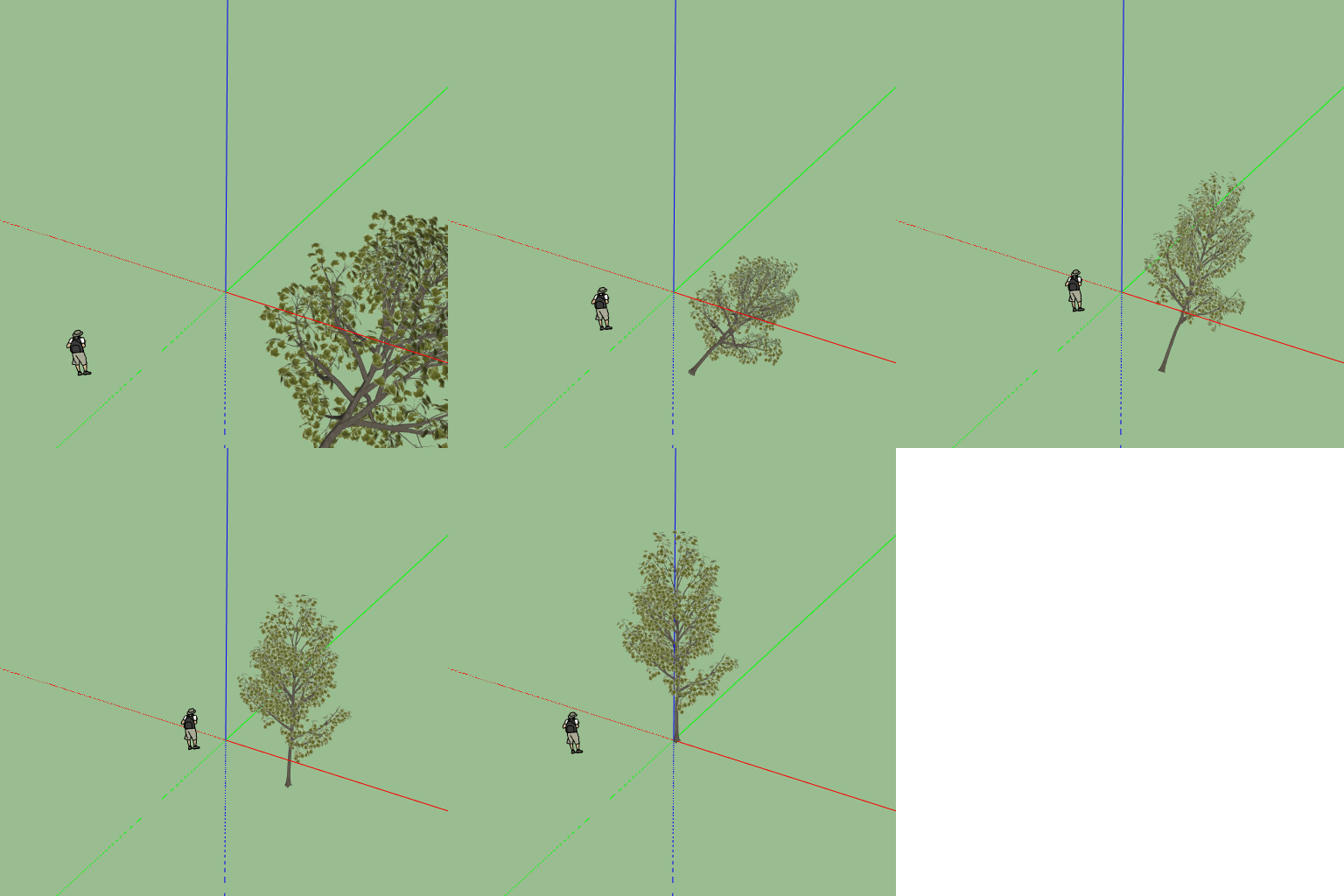
Adjust units, scale and axes
Easily scale the model, adjust the origin or change the Up Axis.
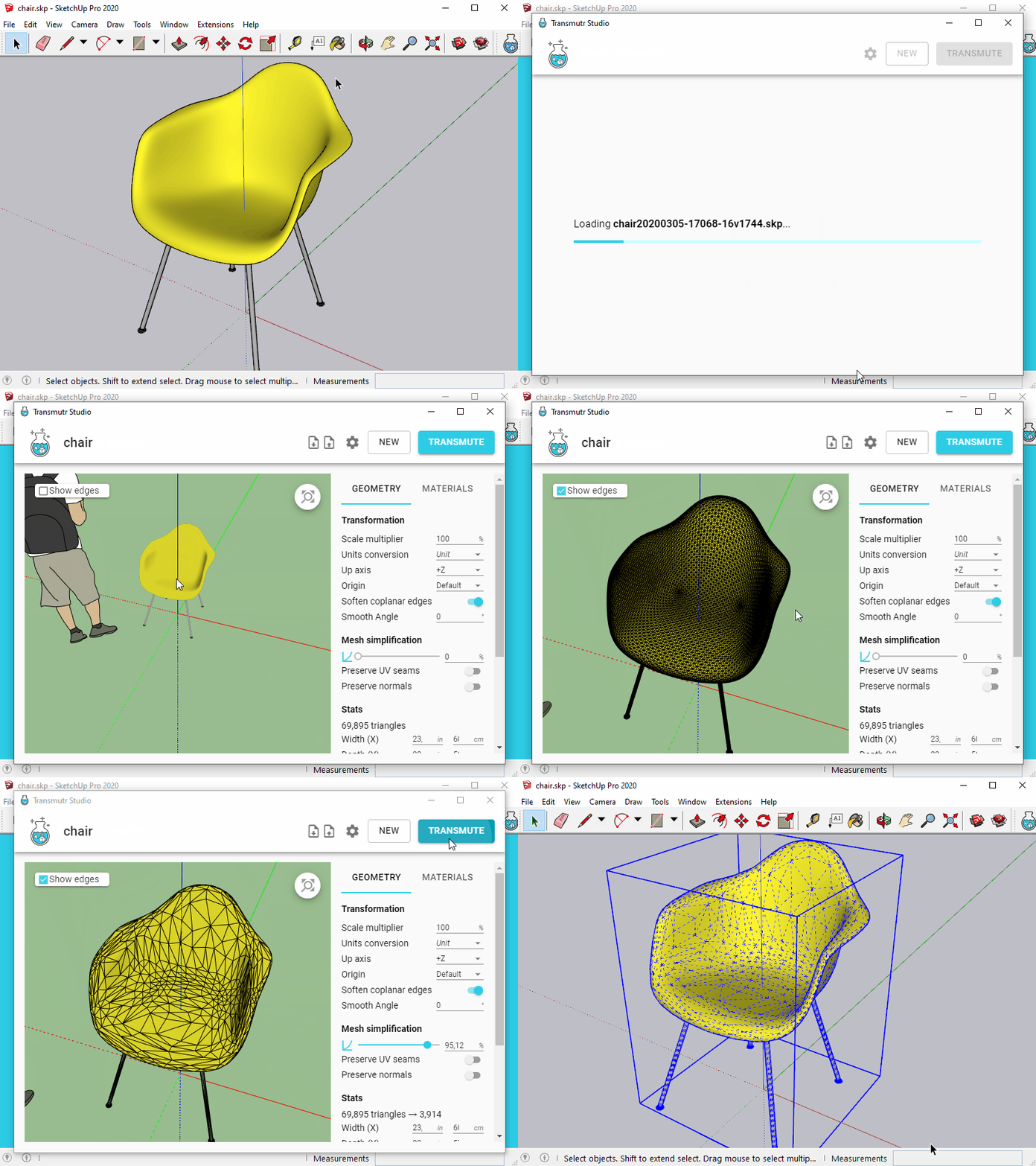
Simplify existing SketchUp objects
You can edit an existing component or group directly from within SketchUp.
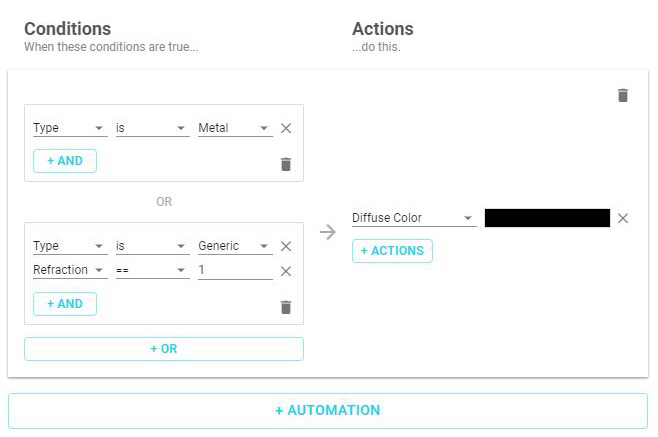
Material Automations
Automations are user-defined rules that allow you to automatically and instantly edit multiple materials at once.
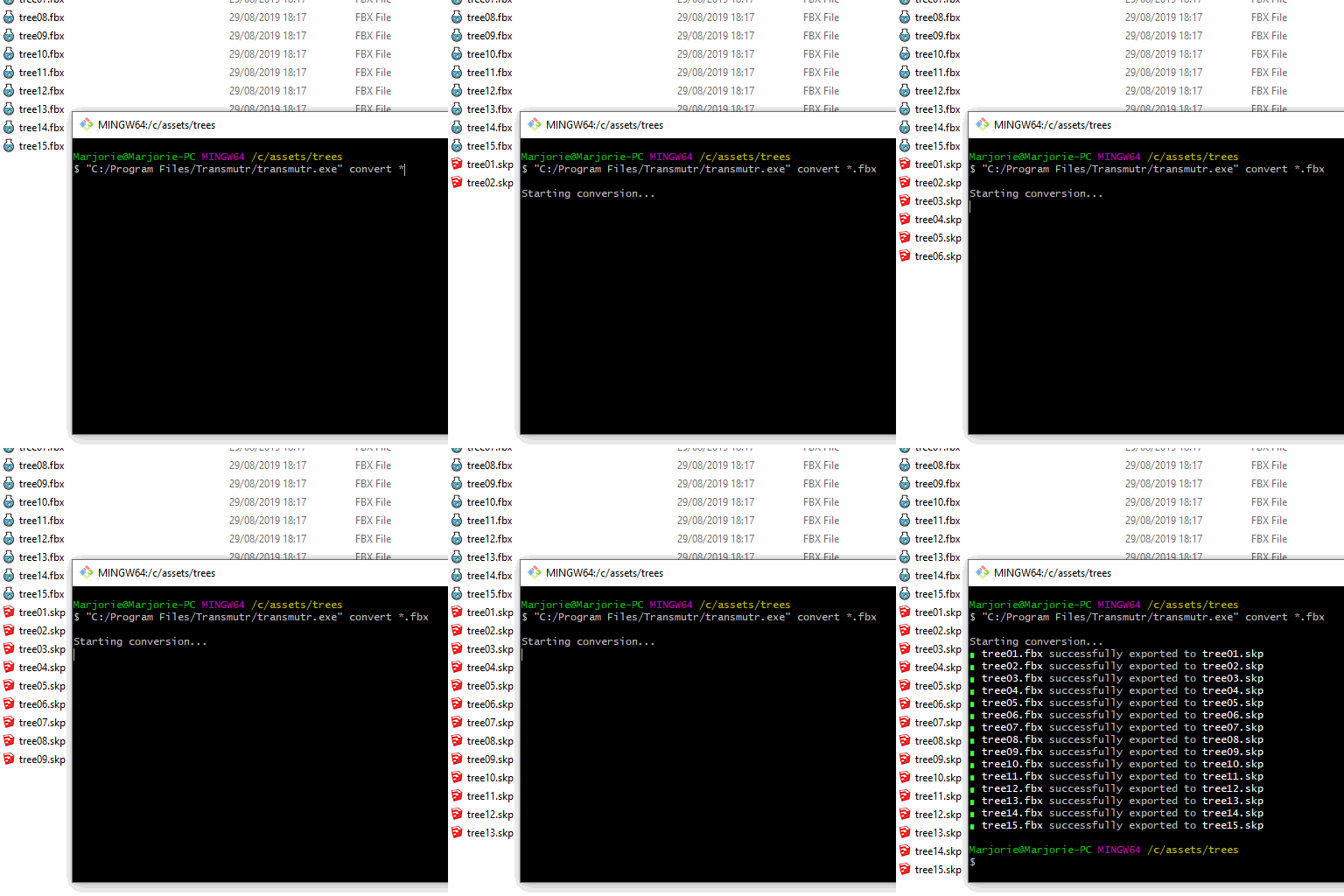
Command Line Interface
A very powerful tool that allows users to easily process large sets of models.
Transmutr SketchUp Importer
A SketchUp importer on steroids.
Convert various 3D formats to SketchUp files, with powerful features such as automated render-ready materials and proxies, geometry simplification, as well as essential options like scaling, unit conversion, axes/origin transformations and much more.
Try Transmutr free for 7 days with the Transmutr Demo
Automated render-ready materials
Convert render-ready materials automatcially, or tweak them with just a few clicks.
Automated proxies
Transmutr can generate proxies for V-Ray, Thea and Enscape with a single click.
Geometry simplification
Simplify high-poly objects with millions of faces down to a few thousands or hundreds.
Quixel Megascans Bridge
Send Megascans assets from Quixel Bridge to SketchUp with only a couple of clicks.
Adjust units, scale and axes
Easily scale the model, adjust the origin or change the Up Axis.
Simplify existing SketchUp objects
You can edit an existing component or group directly from within SketchUp.

Material Automations
Automations are user-defined rules that allow you to automatically and instantly edit multiple materials at once.
Command Line Interface
A very powerful tool that allows users to easily process large sets of models.


Reviews
There are no reviews yet.